
img2gbc blog
Pictures in, games out
How a picture and a few words become a game you can play and share: honest comparisons, real sessions with the screenshots, and step-by-step guides.
Also in: Español · Deutsch · Français · Português · Italiano · Nederlands · Svenska · Norsk · Bahasa Indonesia · Türkçe · Polski · Tiếng Việt · Русский · 日本語 · 한국어 · 繁體中文
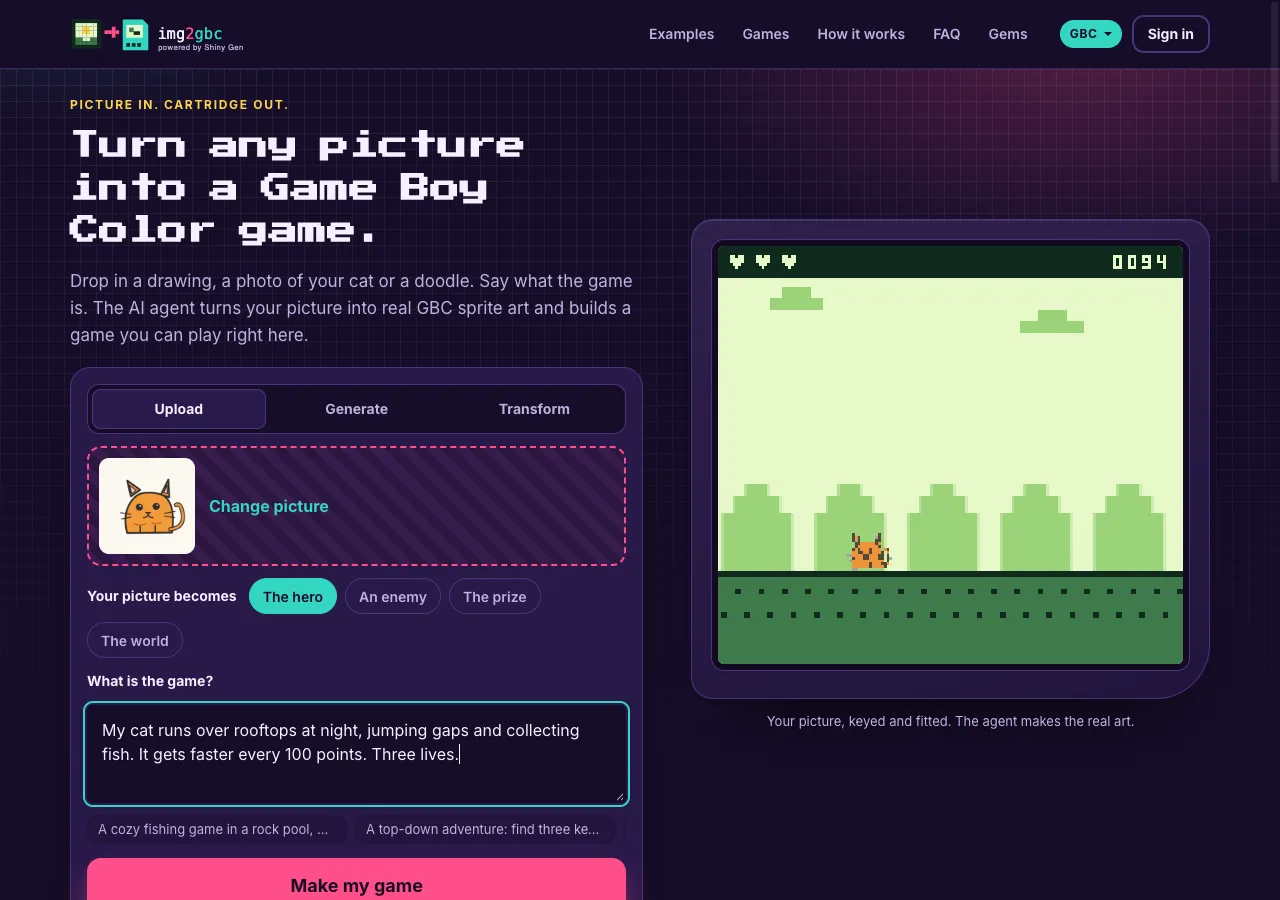 How it worksHow to turn a picture into a Game Boy Color gameDrop a picture on img2gbc.com, say what it becomes and what the game is, and an AI agent puts your picture on a real Game Boy Color cartridge as a sprite and builds the game around it, ready to play in your browser in a few minutes. Free to start; the .gbc ROM download needs any one purchase, from $2.99. · 7 min read
 Comparisonimg2gbc vs GB Studio: two ways to turn your picture into a Game Boy Color gameGB Studio is a free, open-source desktop editor where you import art that follows its color rules and build the game yourself with visual events. img2gbc takes any picture and a sentence in the browser, and an AI agent fits the art and writes the game for you. Pick GB Studio to craft every scene by hand; pick img2gbc to go from a picture to a cartridge you can play in minutes. · 7 min read
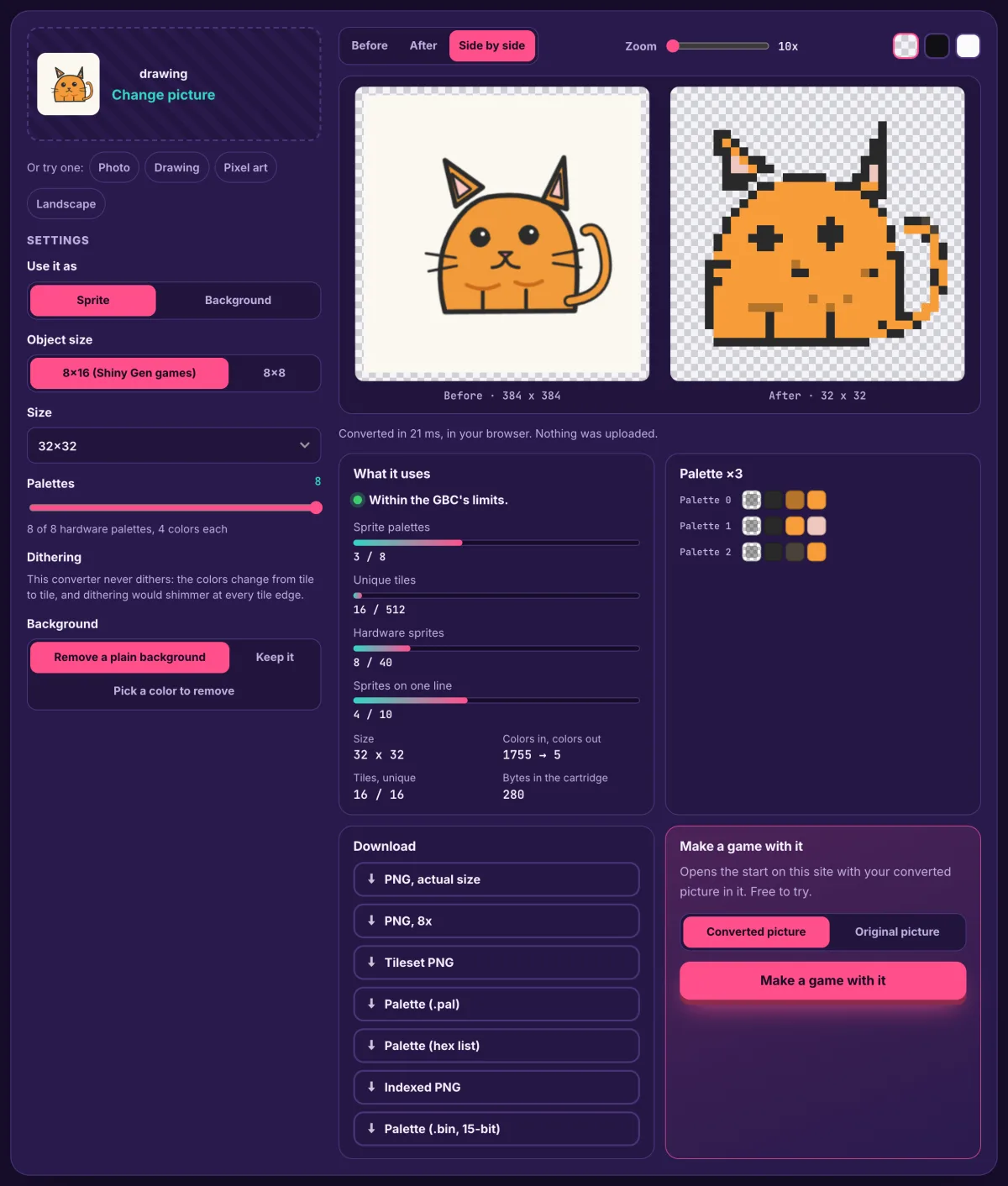 How it worksHow to convert a picture to Game Boy Color sprites and tiles (free tool)Drop any picture into the free GBC converter and it fits the picture to the Game Boy Color's own rules, as a sprite or a background, in your browser with nothing uploaded. You download PNGs, tiles and palettes. · 6 min read
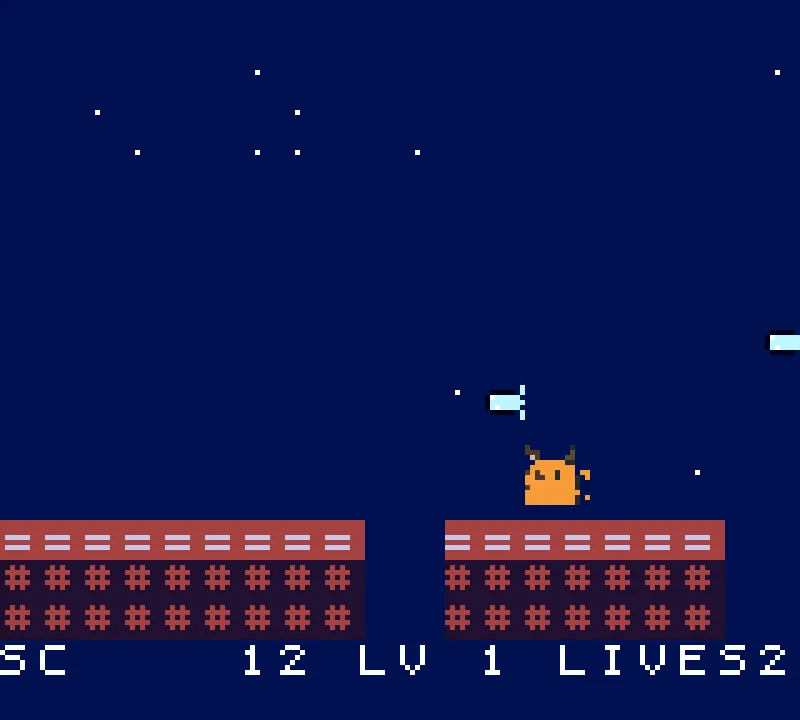 Picture in, game outPicture in, game out: a cat drawing becomes a Game Boy Color rooftop runnerWe dropped a drawing of an orange cat on img2gbc.com, asked for a night-time rooftop runner, and an AI agent built a real Game Boy Color game with that cat as the hero in 4 minutes 4 seconds, for 10 of a new account's free gems. The picture, the prompt, the screenshots and what the AI did. · 6 min read
Have a picture? Make your own game from it.
Make my game