Comparison
img2gbc vs GB Studio: two ways to turn your picture into a Game Boy Color game
Short answer: GB Studio and img2gbc both end in a real Game Boy Color ROM, but they split the work differently. In GB Studio, a free and open-source desktop app, you prepare your art to its color rules, import it, and build the game yourself with drag-and-drop scenes and visual events. On img2gbc, you drop in any picture and write a sentence in your browser, and an AI agent fits the picture to the console, writes the game, tests it and hands it to you to play. If you want to craft every room and line of dialogue by hand, GB Studio is excellent. If you want your picture in a Game Boy Color game you can play a few minutes from now, img2gbc is built for that.
Also in: Español · Deutsch · Français · Português · Italiano · Nederlands · Svenska · Norsk · Bahasa Indonesia · Türkçe · Polski · Tiếng Việt · Русский · 日本語 · 한국어 · 繁體中文
On this page
Everything said about GB Studio here comes from its own website and documentation (gbstudio.dev) and its GitHub repository, read on 2026-11-17.
What each one is
GB Studio describes itself as "a quick and easy to use drag and drop retro game creator" for handheld systems. It runs on Windows, Mac and Linux, it is open source under the MIT license, and its visual scripting needs no programming knowledge. You build a game from scenes, actors and triggers, and add behavior by stacking events from an Add Event menu. It makes ROM files that run on Game Boy emulators and flash carts, and web builds with mobile controls that you can upload to itch.io. Its Color + Monochrome and Color Only modes make Game Boy Color games, and it also lists the Analogue Pocket as a platform.
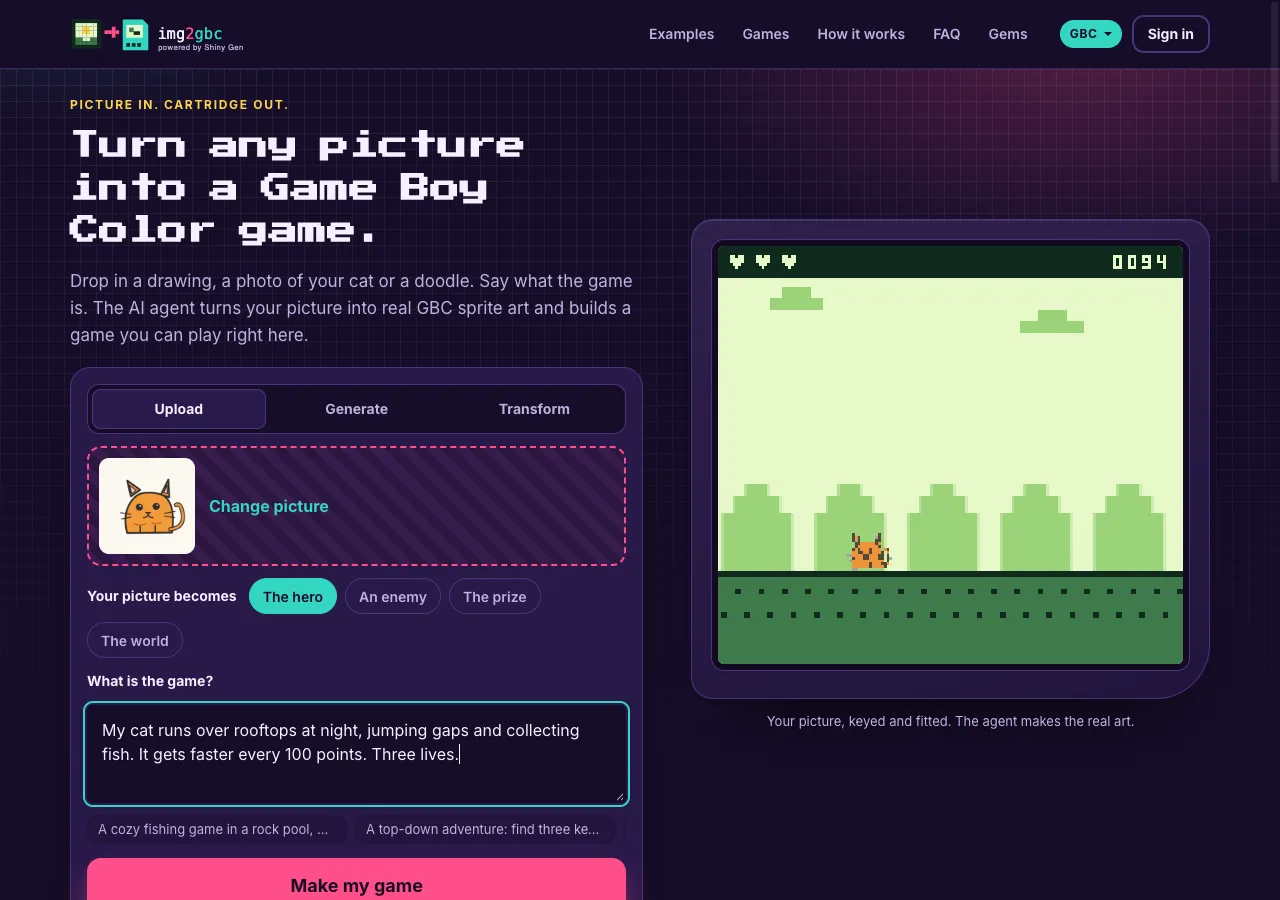
img2gbc is a front door to Shiny Gen, an AI game creation engine, for one job: turning a picture into a Game Boy Color game. You upload a picture (or generate or transform one with the built-in image models), choose whether it becomes the hero, an enemy, the prize or the world, and describe the game. An AI agent imports your picture into a cartridge, writes the game in a small C-like language that Shiny Gen compiles to Game Boy Color machine code, plays it to find bugs and fixes them. It all runs in a browser on a computer, phone or tablet.
How each one handles your picture
This is the biggest practical difference, so it gets its own section.
In GB Studio, you prepare the picture to its rules. Its documentation says sprite PNGs "must only contain" four colors: three shades (#071821, #86c06c, #e0f8cf) plus a bright green, #65ff00, that stands for transparent. Colors that are not one of those are matched to the nearest. A simple sprite is a strip of 16 x 16 frames. Backgrounds are PNGs whose width and height are multiples of 8 pixels, at least 160 x 144; in the four-shade mode they use a fixed set of four colors. For color art, GB Studio can take a full-color background as long as each 8 x 8 tile uses no more than four colors and the scene has no more than eight distinct four-color palettes. A background can hold 192 unique tiles, or 384 in Color Only mode. So to use a photo or a drawing, you usually reduce it first in a pixel editor until it obeys those limits. That is real control: you decide every pixel.
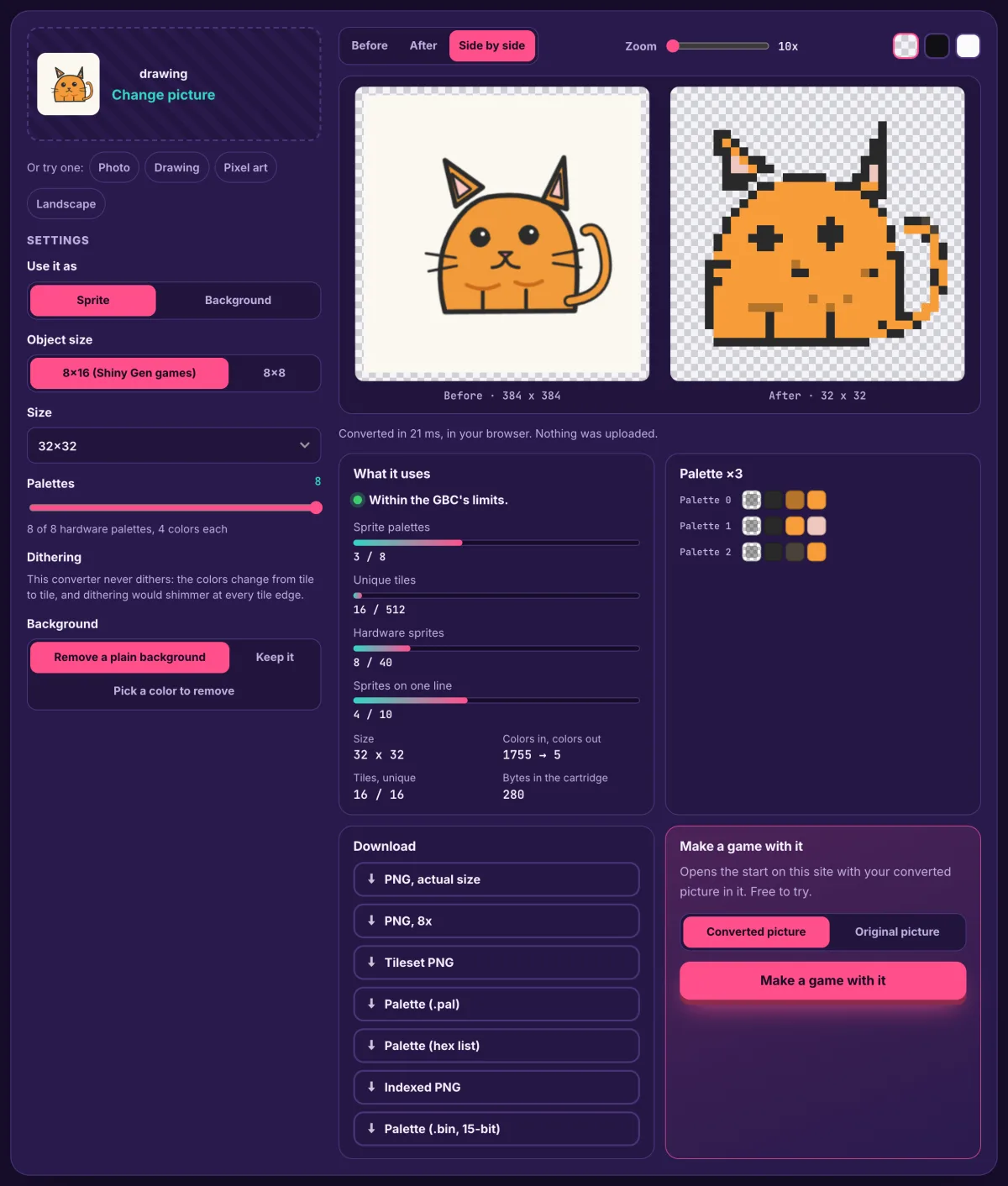
On img2gbc, the picture is fitted for you. Drop in a PNG, JPG or WebP in any colors. If its background is plain, the site cuts the subject out before anything else happens. The cartridge then scales it to a 16 x 16 sprite (or fits it to the 160 x 144 screen if it is the world) and maps it to the Game Boy Color's palettes, and the agent is told to keep your picture as the art and not redraw it. The trade-off is control: you do not pick which pixels survive. A preview on the start card shows roughly what will survive before you start, and you can ask the agent for changes afterwards.
Who writes the game
GB Studio: you do. You lay out scenes, place actors, set collisions and script behavior with events. GB Studio comes with ready-made building blocks for the kinds of games it is famous for, like top-down adventures with dialogue. You are in charge of every detail, and you put in the time that takes.
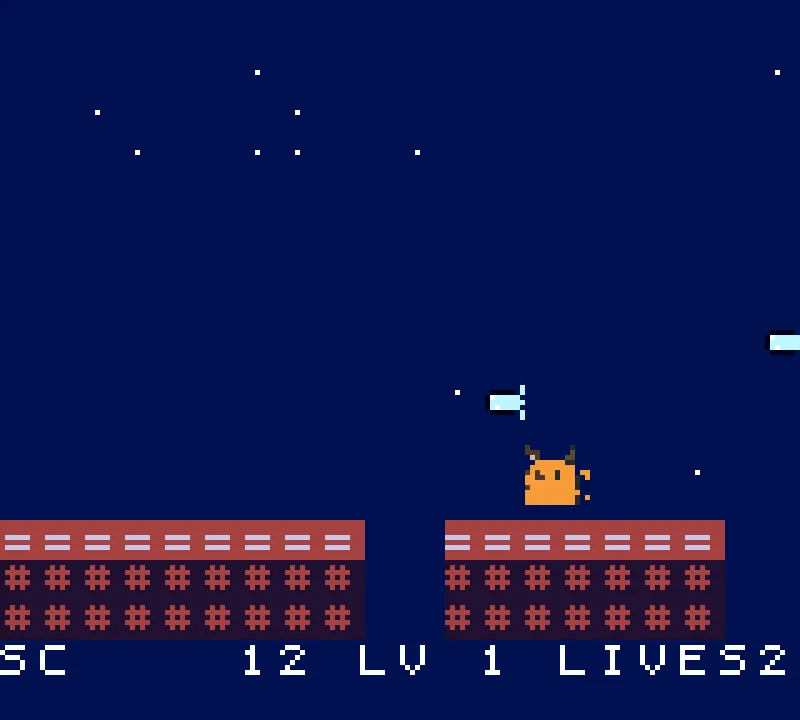
img2gbc: the agent does, from your sentence. It reads the Game Boy Color reference, writes the code, compiles it, and then plays its own build: it presses the buttons, takes screenshots of the screen and fixes what it finds. In our first sessions this took between about 1 and 4 minutes of agent time. After that you change the game by talking to it ("make the cat jump higher"), or open the Code view and edit the code yourself. There is no drag-and-drop scene editor.
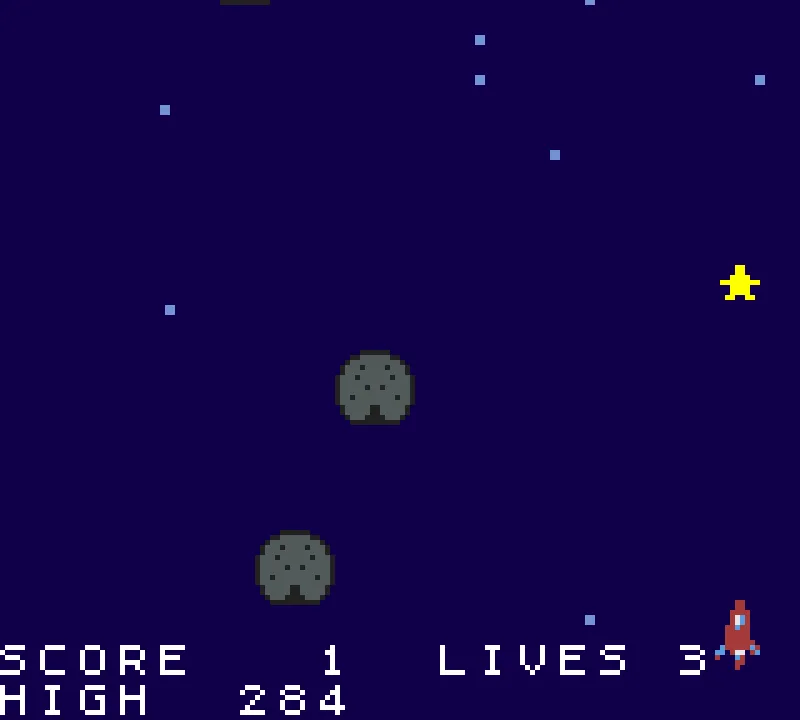
Side by side
| img2gbc | GB Studio | |
|---|---|---|
| Where it runs | In a browser on a computer, phone or tablet; nothing to install | A desktop app for Windows, Mac and Linux |
| Your picture | Any PNG, JPG or WebP in any colors; cut out and fitted for you | PNGs that follow its color and size rules; other colors matched to the nearest |
| No picture yet | Generate one from words, or transform yours, with built-in image models | Draw it in your own pixel editor |
| Who builds the game | An AI agent, from a sentence; you change it by chat or code | You, with scenes, actors and visual events |
| Testing | The agent plays its own build and fixes bugs; you play in the tab | You test it yourself, in an emulator or the web build |
| Output | A .gbc ROM (export needs any one purchase, from $2.99), a play link on img2gbc.com, the game in the Shiny Gen apps | A ROM file and a web build you can host on itch.io |
| Cost | Free to start; AI work uses gems, packs from $2.99 | Open source (MIT license) |
| Best at | Getting a picture into a game you can play, fast | Hand-built adventures with full control |
Where GB Studio is better
- Total control. Every pixel, tile, scene and line of dialogue is yours to place. If you have a clear vision and the patience, nothing is decided for you.
- Built for story games. Scenes, actors and events are the parts you build with, and text events such as Display Dialogue put a dialogue box on screen, which suits adventures and RPG-style games.
- No ongoing cost. It is open source, and nothing it does uses paid AI.
- A big community. Its GitHub repository has thousands of stars, and community sites such as GB Studio Central publish tutorials and news.
- Works offline on your own machine, with the project files on your disk.
Where img2gbc is better
- Any picture, as it is. A phone photo of your pet or a scan of a kid's drawing goes straight in; there is no palette preparation and no pixel editor.
- No picture? Make one. The Generate and Transform tabs make or restyle the picture for a few gems (3 or 8 to generate, 7 or 8 to transform).
- A game to play in minutes, without building it yourself. The agent writes the game and its rules from one sentence, and plays it before handing over.
- Nothing to install. It runs in a browser, including on a phone, and the game is also in the Shiny Gen apps for iPhone, iPad and Android under the same account.
- Share in one link. The share link stays on img2gbc.com and plays in anyone's browser.
Who should pick which
- You have a picture and want to play it as a game today: img2gbc.
- You are on a phone or a computer where you cannot install software: img2gbc.
- You love pixel art and want to place every tile yourself: GB Studio.
- You are making a story-heavy adventure and want visual events: GB Studio.
- You want both: start a quick version on img2gbc to see your picture move, then build the long game by hand if you fall for it.
FAQ
Is img2gbc a GB Studio alternative?
For turning a picture into a Game Boy Color game you can play, quickly, yes: it handles the art preparation and the programming that you would do yourself in GB Studio. It is not a scene editor, so if you want to build a game by hand with visual events, GB Studio is the tool for that.
Can GB Studio import a photo?
As a background, it can take a full-color image as long as each 8 x 8 tile uses no more than four colors and the scene uses no more than eight four-color palettes; colors outside its palette are matched to the nearest. In practice a photo needs to be reduced first. On img2gbc, any photo goes in as it is and is fitted automatically.
Do both make real Game Boy Color ROMs?
Yes. GB Studio exports ROM files for emulators and flash carts. img2gbc games are compiled to Game Boy Color machine code, and the .gbc ROM can be exported with any one purchase, from $2.99.
Is GB Studio free? Is img2gbc free?
GB Studio is open source under the MIT license. img2gbc is free to start: making, playing and sharing games is free, new accounts get free gems and free agent turns, and AI work uses gems after that.
Can I edit the code img2gbc writes?
Yes. The studio has a Code view where you can read and change the game's code, and hand edits cost nothing. It is not a GB Studio project, so it does not open in GB Studio.
Further reading
Last updated: November 17, 2026